
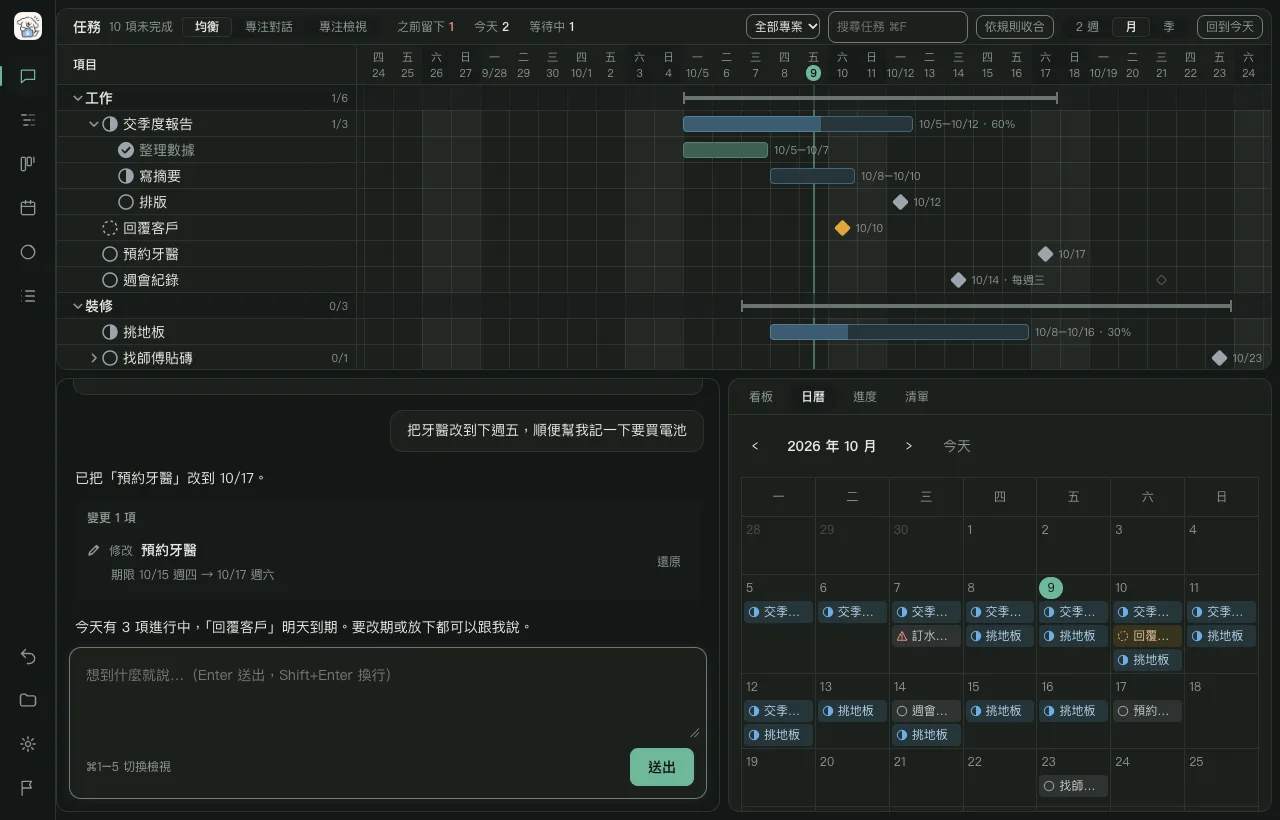
Every conversation maintains one list
A to-do list gets messier the longer you keep it. These are the design choices Dodo makes about that.
Also in the box
- Global capture window. Press ⌥⇧Space by default to jot something down. A failed send is kept and retried, even across a restart.
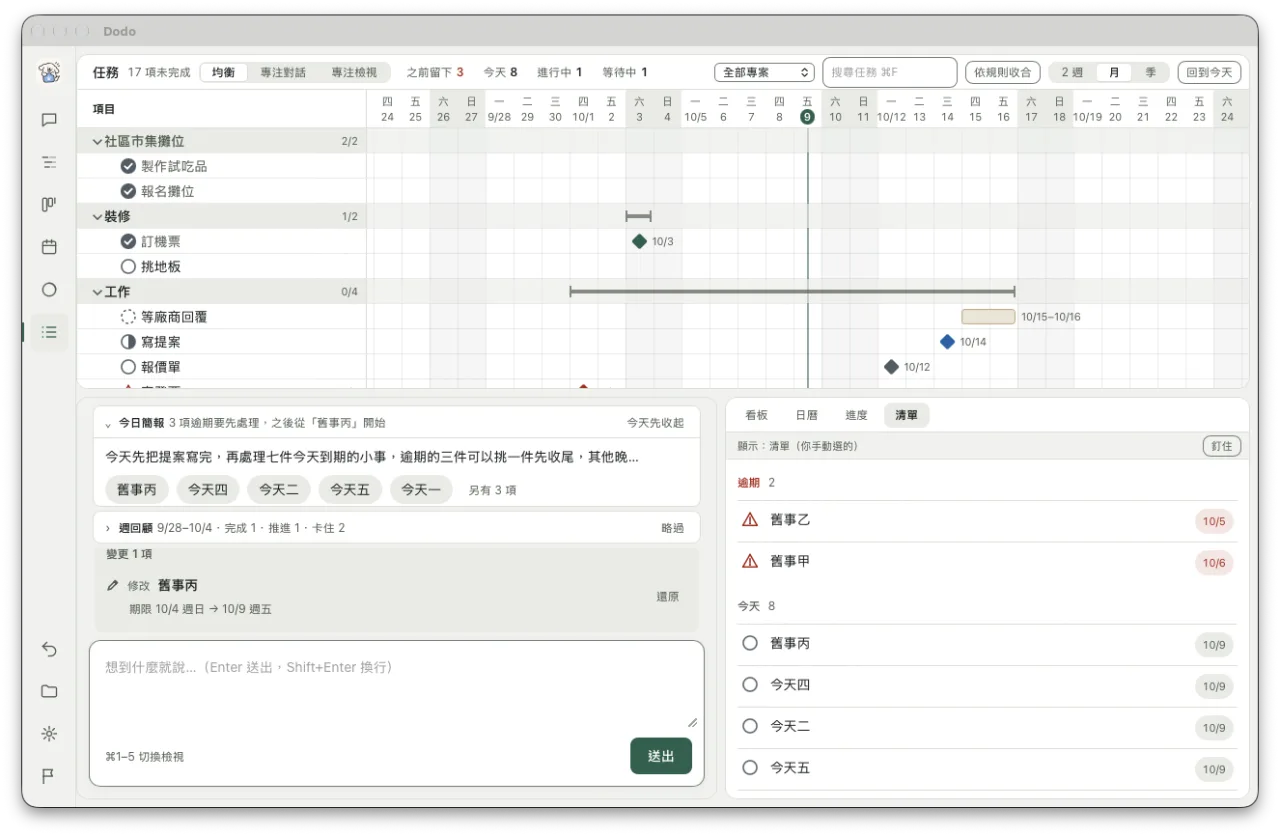
- Today brief. A collapsible card at the top of the chat with one line of focus and up to five items for today. Overdue tasks can move to today, be rescheduled or be let go, never deleted.
- Weekly review. The first time you open the app each week, the AI writes up what got done, moved and stuck last week, plus this week's focus. Collapse it, skip it, regenerate it, or turn it off in settings.
- Recurring tasks. Say "weekly report every Wednesday" and the next one appears when you finish the current one, with undo.
- Long-term memory. Anything you explicitly ask it to remember is saved at once, the rest waits in an inbox. The memory page lets you view, edit, pin, retire, forget and export.
- Local file access, off by default. Only after you turn on “Local files” in settings can the AI read the folders you allow, and read-only; with it off, the AI can't touch them at all. Edits, moves and deletes need your approval every time, deletes go to the trash only, overwritten files are backed up first, and settings shows a recent access log. SSH keys, cloud credentials and .env files are always blocked.
- Local notifications. A daily summary and a reminder on the due date, sent after 9 a.m.
What it actually looks like
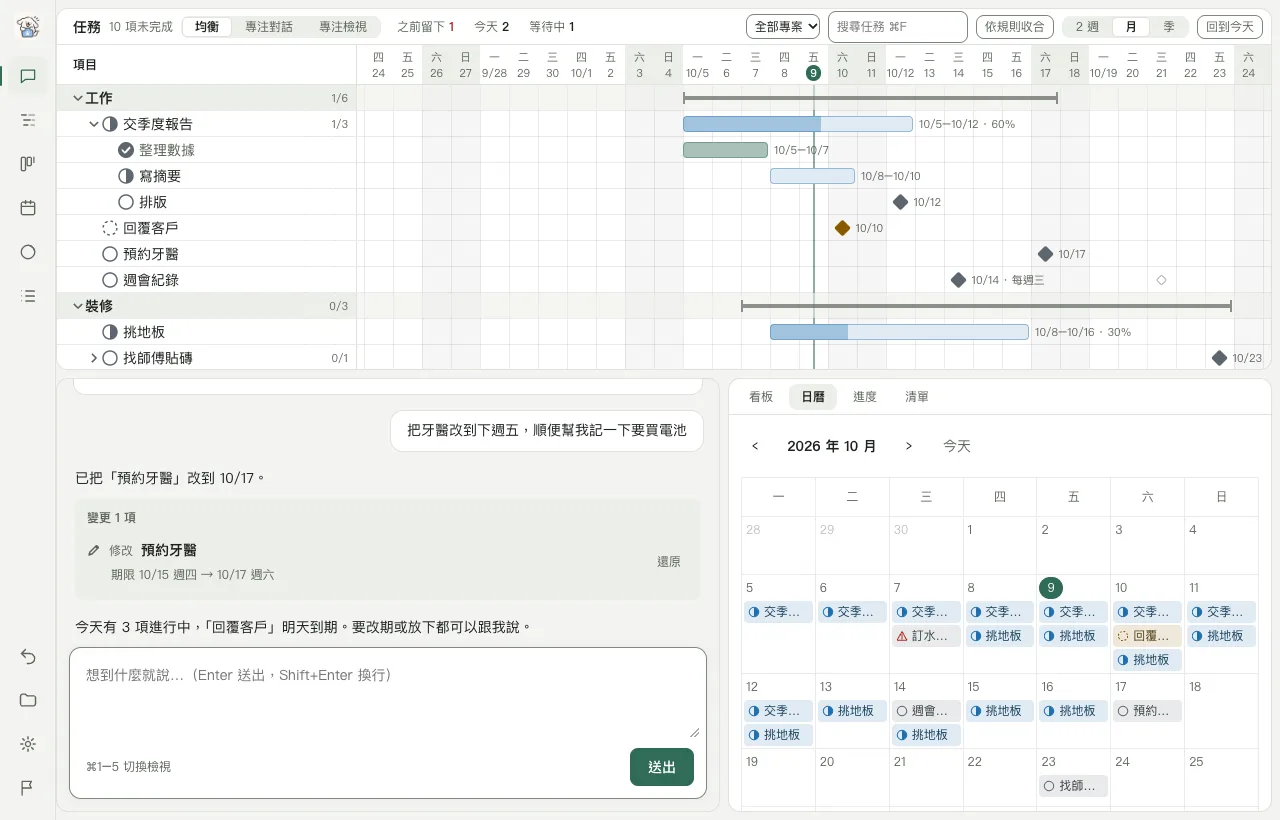
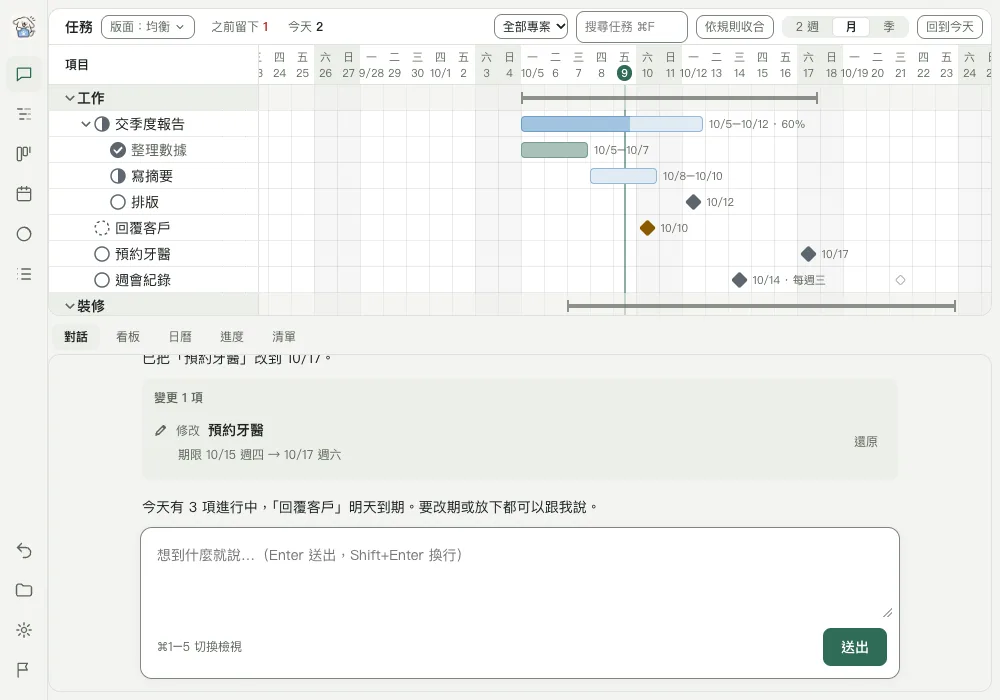
These are screens from the Dodo main window. The tasks are sample data.
Your own AI engine
Dodo doesn't ship with an AI. It calls Codex or Claude Code already installed and signed in on your Mac, and falls back to Claude if Codex isn't there.
If you'd rather not install a command-line tool, paste an API key on the AI engine page in settings. There is one input box and Dodo recognizes the provider itself. 14 providers are built in, and you can add a custom OpenAI-compatible endpoint. It can also scan the CLIs, environment variables and config files already on your Mac, and imports each item only after you agree.
API keys live in the macOS Keychain and are used only on the Rust side of the app, never in the web layer. Quotas and costs depend on your agreement with whichever provider you use.
Where data lives, and where it goes
Tasks live in ~/Documents/Dodo. Long-term memory and chat history live in .dodo/ in the same folder. All of that stays on your Mac. Chat history is saved by default, can be turned off, and can be cleared in one click.
The sentence you send, plus the related tasks and memories, goes to the AI engine you chose. That content leaves your Mac, and where it ends up is decided by the engine you picked.
In-app updates are only trusted if their signature checks out. Feedback is sent only when you press send, known keys are stripped first, and chat content is left out unless you tick "attach chat".
FAQ
Does it cost anything?
The Mac app is free. You bring your own AI engine. Codex, Claude Code or an API key you paste each has its own quota and cost, set by your agreement with that provider. Dodo doesn't handle that money.
What do I need first?
A Mac running macOS 12 or later. To use Codex or Claude Code, install and sign in to it first, and both need Node.js. If you'd rather skip that, paste an API key in settings instead.
Where do my tasks get sent?
Task files stay on your Mac, and Dodo itself doesn't put them in a cloud. But each time you send a message, that sentence plus the related tasks and memories goes to the AI provider you chose, and that part falls under the provider's terms.
How is it different from a normal to-do app?
It maintains. You talk, and it edits what is already in the list, shows what it changed line by line, and lets you undo anything you don't like. The tasks themselves are plain Markdown files, not locked into a proprietary format.
Can I share the folder with other tools?
Yes. Finder, sync tools or any other tool that touches those .md files can edit at the same time. Before saving, Dodo checks whether the file changed outside and merges field by field, so neither side is overwritten.
Can the AI read files on my computer?
Not by default. The feature is off until you turn on “Local files” in settings and pick folders; after that the AI can list and read only those folders, and what it reads is sent to the AI engine you chose. Edits, moves and deletes need your approval separately, and you can switch it off at any time. Common sensitive places (SSH keys, cloud credentials, cookies, .env, Keychain) are blocked, but no list can cover every file, so only allow folders you are comfortable letting the AI see.
Is there a Windows, iPhone or Android version?
Only macOS for now, macOS 12 or later, on both Apple Silicon and Intel. There is no timeline we can promise for other platforms.
Which languages does the app support?
The app interface is currently in Traditional Chinese only. This website is available in several languages, but Dodo itself has no other language versions yet.
How do updates work?
The app has one-click updates. It checks shortly after launch and every few hours after that, installs only if the update's signature verifies, and only moves forward to newer versions. If the AI is still working, it waits until it finishes before restarting.
Hand your to-dos to a conversation.
The files stay in your hands.
The Mac app is free. macOS 12 or later, Apple Silicon and Intel.
v0.4.261011 · universal DMG · macOS 12+